
Setting up a parental guidance lock is the best way to control what your children have access to on BBC iPlayer. It can also be used to prevent a child profile easily accessing an adults profile.
Click on the relevant question to find the answer you're looking for:
- How do I set up the lock?
- How do I turn off the lock?
- How can I change the PIN or password?
- What if I forget my PIN or secret answer?
- Will the lock work on my downloads?
- What are the terms and conditions for using the lock?
How do I set up the lock?
Tap Settings (cog icon on the top right of the homepage) > Parental Controls > PIN Settings. Then:
- Choose and enter a four-digit PIN, then choose and answer a secret question. Your secret question and answer will be used to confirm you're over 16 in case you forget your four-digit PIN.
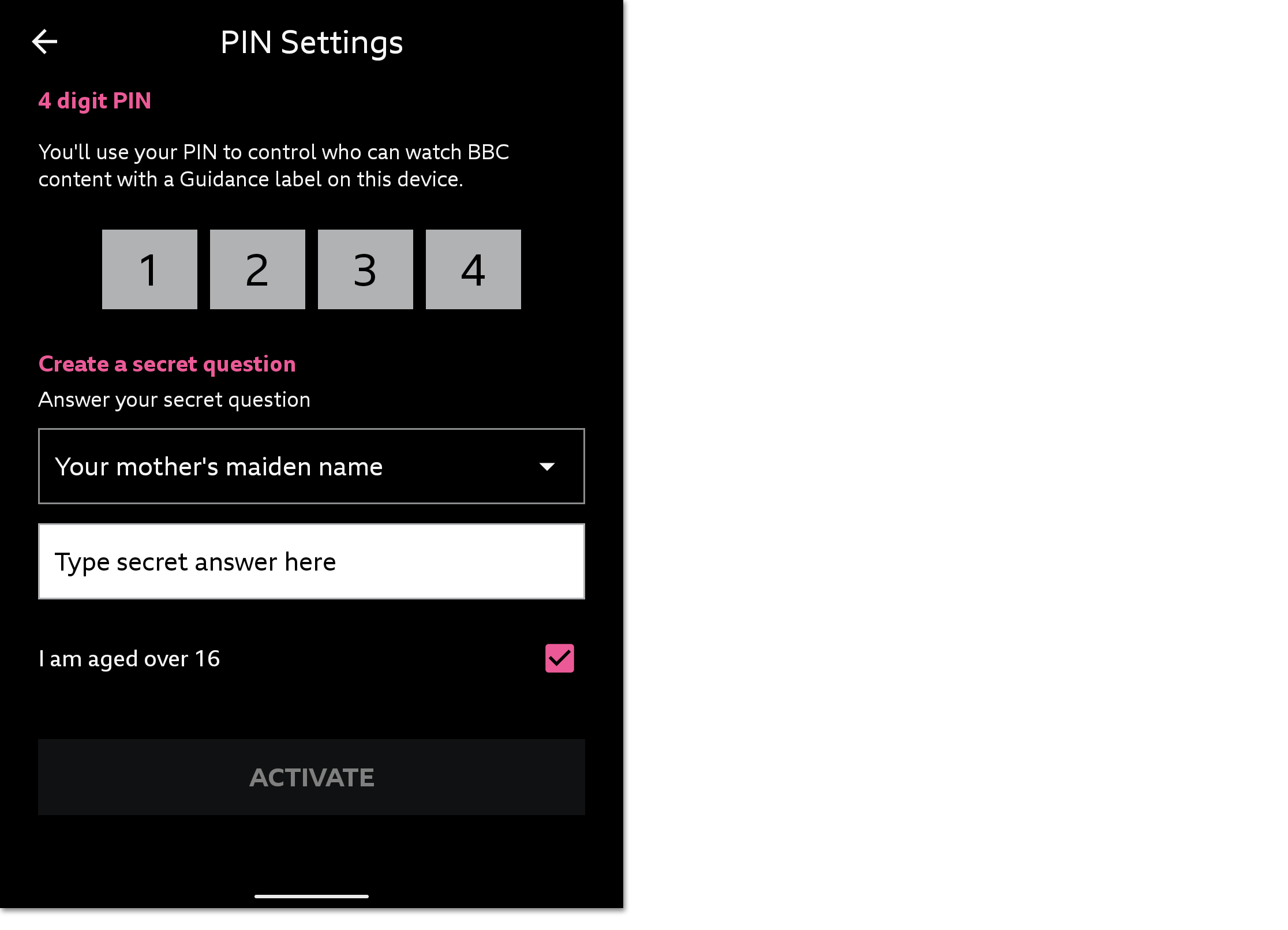
- Select the box to confirm that you're over 16, then tap Activate. Your PIN is now set.
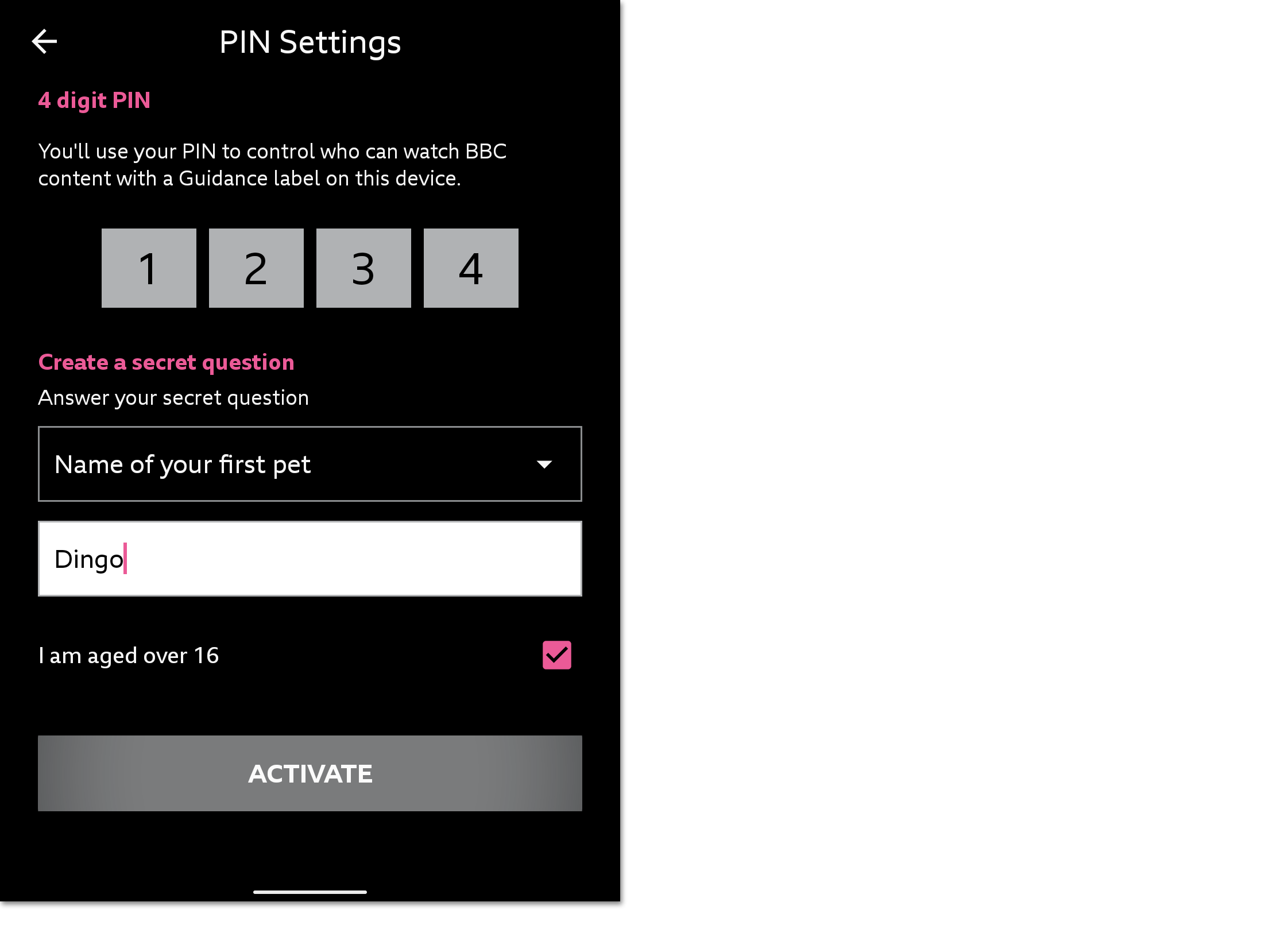
In the Settings menu, you can choose which areas of iPlayer you'd like the PIN to be used. You can select Parental guidance lock and/or Profile switching lock.
How do I turn off the lock?
- Tap Settings (cog icon on the top right of the homepage) > Parental Controls
- Un-tick the Parental Guidance or Profile Switching Lock
- Enter your four-digit PIN
How can I change the PIN or password?
- Tap Settings (cog icon on the top right of the homepage) > Parental Controls > PIN Settings
- Enter your four-digit PIN
- Make the changes you'd like to make
- Tap Save
What if I forget my PIN or secret answer?
If you forget your PIN, you can use your secret question to gain access to the parental controls settings in the app. Just tap Settings (cog icon on the top right of the homepage) > Parental Controls > Forgot PIN?
Enter your secret answer then make the changes you'd like. Tap Save when finished.
If you forget your secret answer, choose Forgot PIN? then Forgotten answer? and follow the steps on screen. You can change the lock settings via one of the following methods, depending on the device:
- Android or Amazon Fire
Go to Settings > Apps > BBC iPlayer > Storage and select the ‘Clear Data’ or 'Clear Storage' option. This should reset your parental controls, so you can set up a new PIN and secret question/answer.
- iOS
You'll need to remove and then reinstall the BBC iPlayer app via the Apple App Store in order to reset parental controls.
With both methods, you will lose any downloaded content in the app.
Will the lock work on my downloads?
Yes, absolutely – guidance information is displayed for all programmes in the app.
What are the terms and conditions for using the parental guidance lock?
If you permit a child to use your device, you are solely responsible for determining whether the BBC content is appropriate for that child to view. The BBC parental guidance lock provides a way to help you control how guidance-labelled BBC content may be played on your device. If you turn on the parental guidance lock, the app will not be able to access guidance-labelled content unless you type in your password or PIN.
Using the website on your mobile or tablet? Follow the steps on this page: How do I use the parental guidance lock on the website?